

Estimated reading time: 1 min
XCIPTV is a fast, lightweight IPTV player. It works well on older or low-memory devices and has sections for live TV, the TV guide, movies, series and catch-up.
The login details in this guide (username demo4821, password pass7395) are examples. Use the ones from your own welcome email.
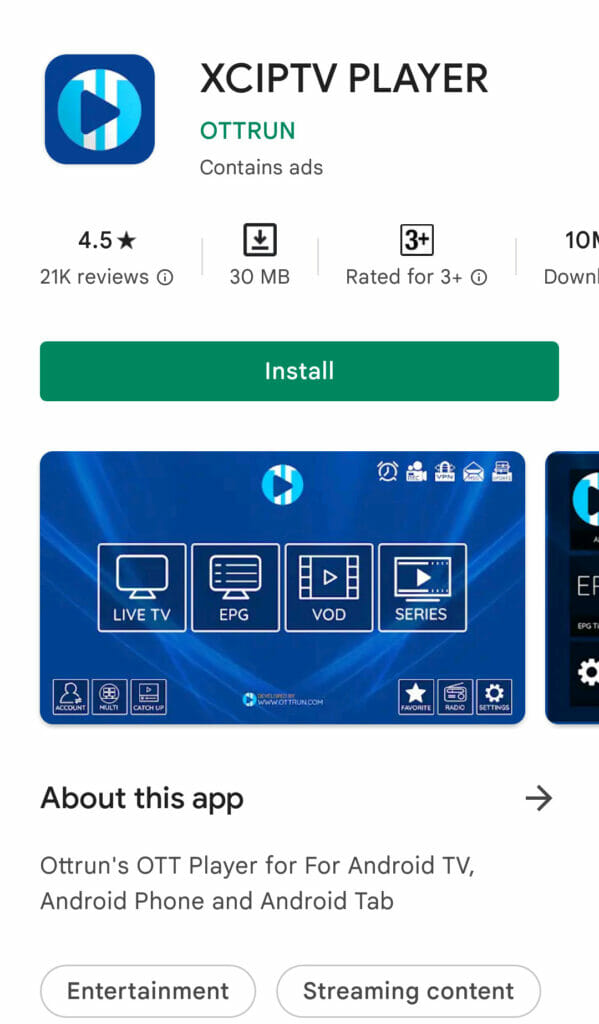
Step 1: Install XCIPTV
- Android TV, Google TV, Android phones and tablets: search Google Play for XCIPTV Player and install it.
- Fire TV Stick, or if it isn’t on Google Play: use the Downloader app with our short link
www.rentiptv.org/xciptv. How to use Downloader. - Chromecast with Google TV: XCIPTV on Chromecast guide.
Step 2: Sign in
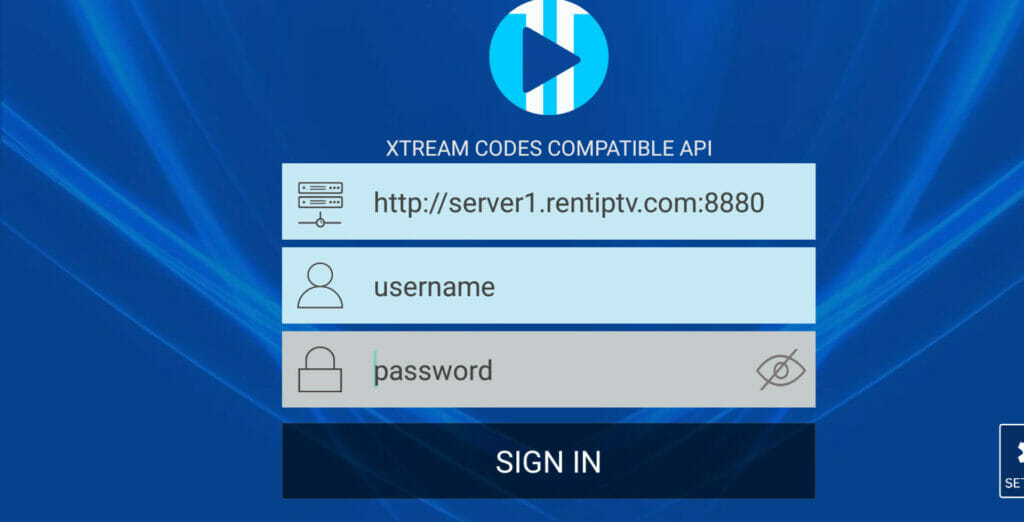
- Open XCIPTV. If it asks for a login type, choose Xtream Codes API.
- Enter:
- Server URL:
http://server1.rentiptv.com:8880 - Username:
demo4821 - Password:
pass7395
- Select Sign in.
Step 3: Find your way around
- Live TV: channels by country and category. Highlight a channel and press OK to play.
- EPG: the full TV guide. If it’s empty, open Settings > EPG > Update EPG. TV guide help.
- VOD and Series: more than 153,000 movies and 14,000 series.
- Catch up: watch programmes that have already aired, on channels that support it.
- Favourites: highlight a channel and press and hold OK.
Useful settings
- Settings > Player: switch between the EXO and VLC players if a channel won’t play or the sound is out of sync.
- Settings > Speed Test: checks your connection from inside the app.
- Settings > Parental: set a PIN and lock categories.
If something isn’t working
- Login error: Login failed or expired.
- Buffering: buffering checklist.
Still stuck?
Message us on WhatsApp or Telegram, or email [email protected]. Tell us your device, the app you use and what you see on the screen, and we’ll take it from there.
Views: 61
